When Perfect Code Doesn’t Show Up
Picture this: You’re building VoxScript, a macOS menu bar app. Everything works. You make some changes. Suddenly, the menu bar icon vanishes. Not crashed. Not throwing errors. Just… gone.
You check the logs: statusItem created ✓, button configured ✓, isVisible: true ✓. Everything screams SUCCESS, but your menu bar stays stubbornly empty.
So you do what any developer in 2025 would do: you ask your AI coding assistant to fix it.
The AI Debugging Loop
Claude (the AI) went to work with impressive dedication:
Attempt 1: “Let’s try SF Symbols instead of emoji.” Result: Still invisible.
Attempt 2: “Maybe it’s a timing issue. Try DispatchQueue.main.async.”
Result: Still invisible.
Attempt 3: “Let’s switch to the new MenuBarExtra API.”
Result: Still invisible.
Attempt 4: “Pure AppKit approach with NSStatusBar.”
Result: Still invisible.
Attempt 5: “Different icon formats - text, unicode, images…” Result: Still invisible.
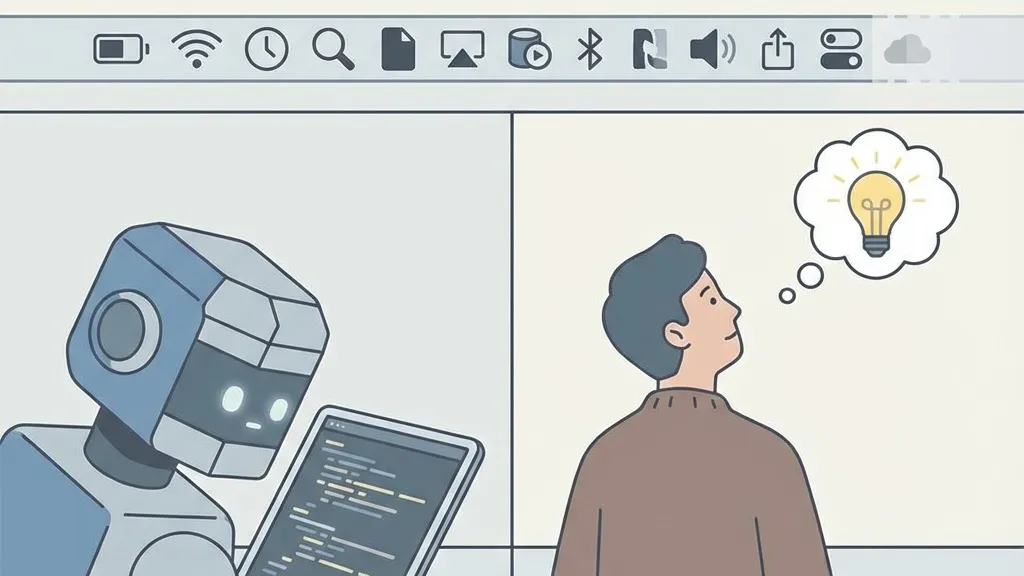
The code was correct. The implementation was sound. The logs confirmed everything worked. But the icon simply wouldn’t appear. We were stuck in what I call the “AI Debugging Loop” - where the AI keeps trying variations of solutions that are technically correct but fundamentally miss the actual problem.
Here’s the irony: The code was never broken.
Ask the Human Question
After watching Claude exhaust its technical playbook, I (the human) asked a different kind of question:
“Could it be that there are too many items in the menu bar?”
Bingo.
It turns out Notion Calendar was displaying my Monday schedule, taking up extra horizontal space. macOS was running out of menu bar real estate and automatically hiding newer status items - including ours. On the weekend, when my calendar was empty, Notion Calendar was smaller, so the icon showed fine.
The icon WAS being created correctly the whole time. macOS was just hiding it due to space constraints.
Step Back Before Stepping Further
Here’s what I learned about debugging with AI coding assistants:
AI is excellent at exploring the solution space you define. Give it a hypothesis (“the icon creation code is wrong”), and it will exhaustively try every variation within that frame.
AI struggles with reframing the problem. It won’t naturally ask “Wait, is this even a code problem?” That requires human intuition.
The critical question isn’t “What else can we try?” but “What changed?”
Before you fell into the rabbit hole:
- What worked yesterday that doesn’t work today?
- What’s different about the environment?
- Are we solving the right problem?
The Takeaway for AI-Assisted Development
When you’re stuck in an AI debugging loop:
-
Stop asking for more attempts. If you’ve tried 5 variations and the logs say everything works, the code probably isn’t the problem.
-
Ask environmental questions. What’s different about today? What’s different about this machine? What’s happening in the system around your app?
-
Remember: AI sees your codebase, not your screen. It couldn’t see my overflowing menu bar. It couldn’t know it was Monday with extra calendar items showing.
Sometimes the bug isn’t in your code. Sometimes it’s in your Monday.
VoxScript is an open-source macOS dictation app. You can check it out here: VoxScript on GitHub
I’m David Cruz, and I build things while learning hard lessons. This is where I share them so you don’t have to.